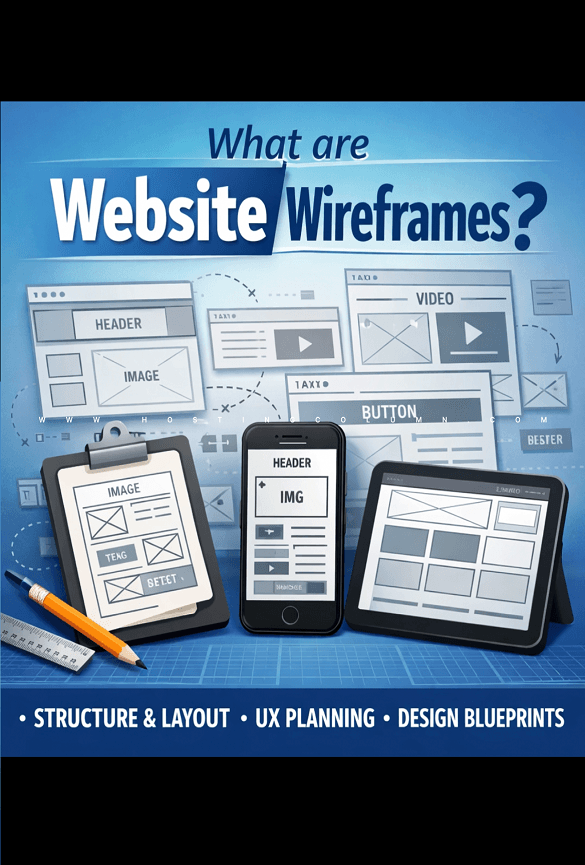
Website templates are pre-designed layouts or blueprints that you can use to build a website. It provides a complete, ready-made foundation with a defined structure, visual style, and basic functionality, so you don’t have to start from scratch.
Web templates are a common feature of modern website-building platforms and content management systems (CMS), such as Wix, Shopify, and WordPress.
What’s included in a template
A typical website template comes with several essential components already designed and laid out for you:
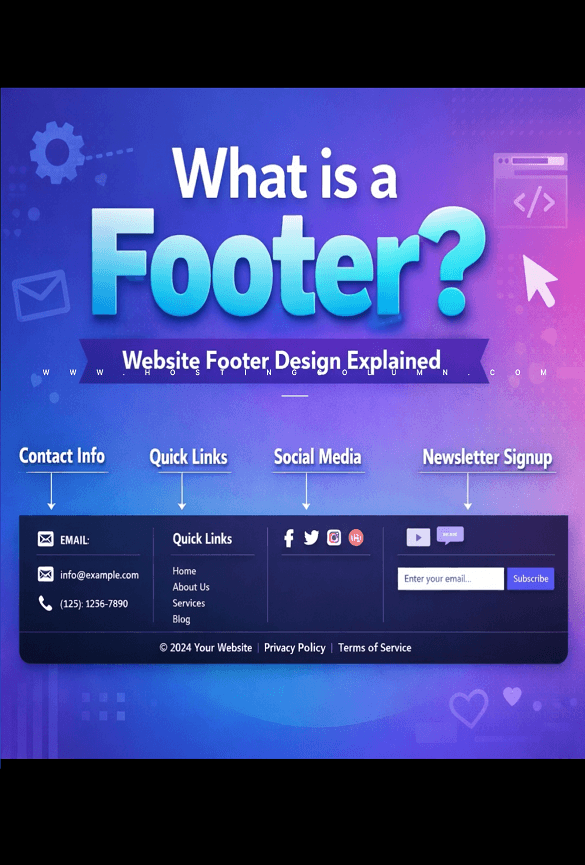
- Header and Footer: The sections at the top and bottom of every page, which typically include your logo, navigation menu, and contact information.
- Navigation Menu: The links that help visitors move between the different pages of your site.
- Content Blocks: Pre-arranged areas for text, images, and videos. For example, a business template might have sections for “Services” and “Testimonials.”
- Built-in Features: Common functional elements like contact forms, product galleries, social media links, and call-to-action buttons.
- Visual Elements: A predefined color scheme, font styles, and overall aesthetic design.
How a website template works
Using a template simplifies the website creation process into a few key steps:
- Choose a template: Select a template that fits your goals. For instance, a blog template will have a different layout than an e-commerce template designed for an online store.
- Customize the content: Replace the template’s placeholder images and text with your own. You can update your logo, add your business’s information, and upload your own photos.
- Adjust the design: Customize the visual style to match your brand. This can involve changing the color palette, selecting different fonts, or rearranging content blocks using a drag-and-drop editor.
- Add or remove features: Integrate necessary features, such as adding e-commerce functionality or an online booking tool, and remove any elements you don’t need.
- Publish: After you’ve personalized the design and added your content, you can publish the site and make it live for visitors.
Key benefits of using a template
- Saves time and money: You can launch a professional-looking website in a fraction of the time and cost of hiring a designer or coding a site from scratch.
- No coding required: Most modern templates are built for users with no technical skills, with website builders providing intuitive, visual editors.
- Ensures quality and functionality: Templates are typically designed by professionals and are built to be responsive, meaning they look great on both desktop and mobile devices.
Suggestions for picking the best website template
- Keep it SEO-friendly.
- Ensure fast loading times.
- Stay simple and on-brand.
- Make sure it supports your goal.
- Check that support is available.
- Consider customization capabilities.
- Pick a template that resonates with your audience.
- Choose a user-friendly option.
- Use dummy content and WP test plugin.
- Check for responsiveness across devices.
Thanks for visiting. For queries and suggestions, emails are welcome at learnweb@hostingcolumn.com.
Subscribe to Hosting Column for the latest updates and posts.